Most Advanced. Yet Easiest to use.
Just scroll down!
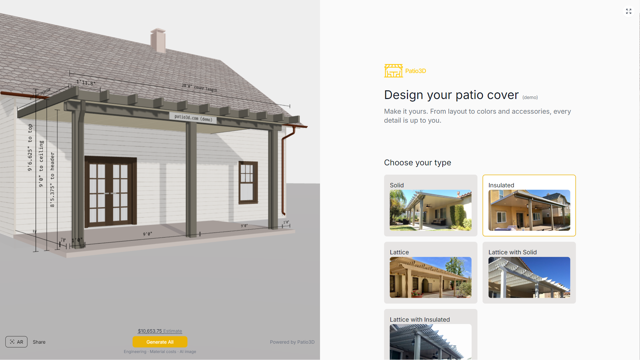
Patio3D is a 3D designer with built-in engineering for Alumawood, Duralum, Four Seasons, and United Duralume.
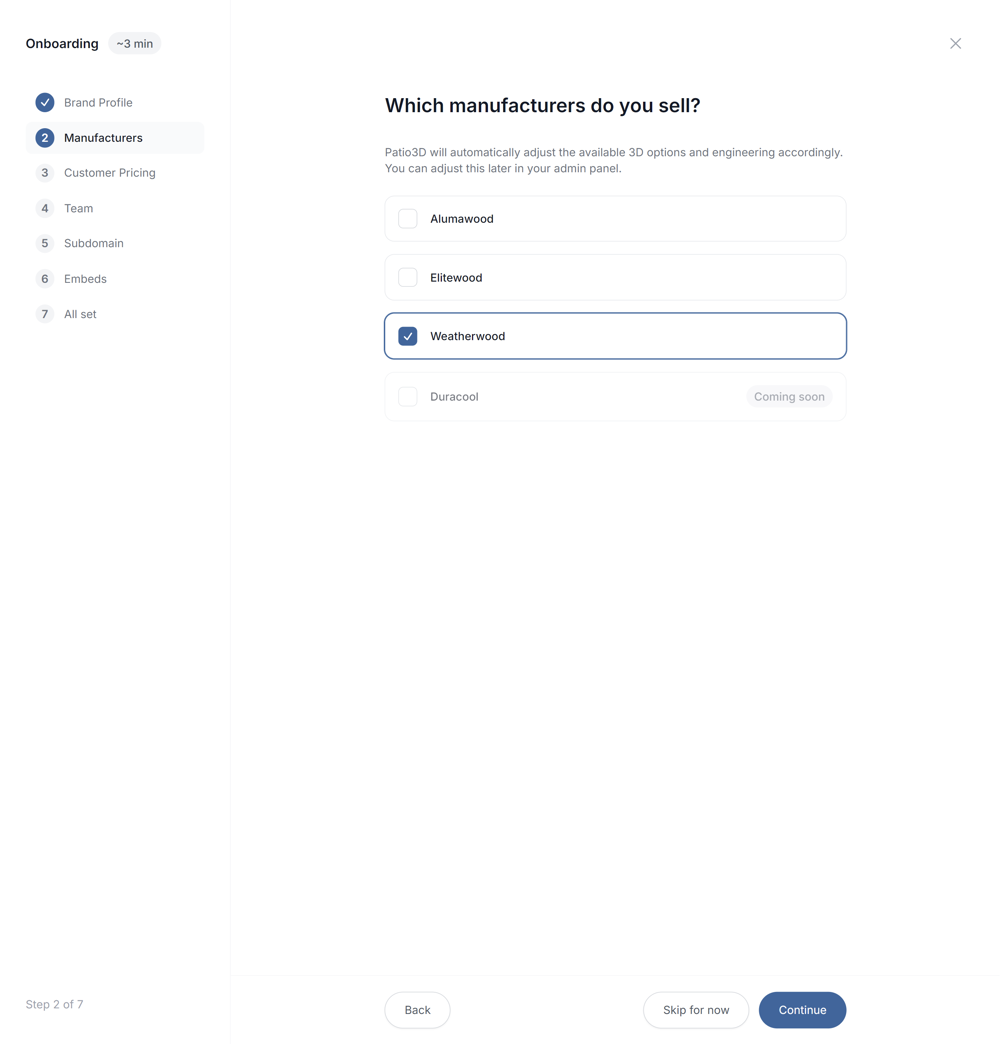
~3 min onboarding
or Try it here
Built for the patio industry








Just scroll down!
Manufacturer engineering built in. Ready to quote and close.
Patio3D engineers every way to build your cover and shows the one with the lowest material cost, for better margins. You can still fine-tune it.
Engineering, options, material cost, material list, and 3D update together.
3ms
Under 100ms
Make a change in the menu
Size, type, attachment, screens, colors, project address — any change at all
Project address
Automatically sets the required structural loads
Wind, snow, and seismic loads
Optional
Manufacturer catalog & pricing
Every part they make, and what each one costs
Only the parts you sell
The catalog parts you enable in your admin panel
Real-world length limits
Steel stock lengths and maximum part lengths
Engineering engine
Every table in the engineering plans and 144 engineering rules across 3 manufacturers
Up to 17,000 viable structures
Calculated for the design using manufacturer engineering
Material cost calculated
Down to the screw
Lowest material cost wins
If most cost‑effective (lowest material cost) is selected
Preferred structure
Most cost‑effective (lowest material cost), most space, fewest posts, or best overall
Updated 3D view
Material cost & material list
Permit-ready engineering references
Move customers toward a purchase immediately.
Show customers designs backed by real manufacturer engineering. Make changes together on the spot, knowing what's actually buildable, without the usual back-and-forth or redesigns.
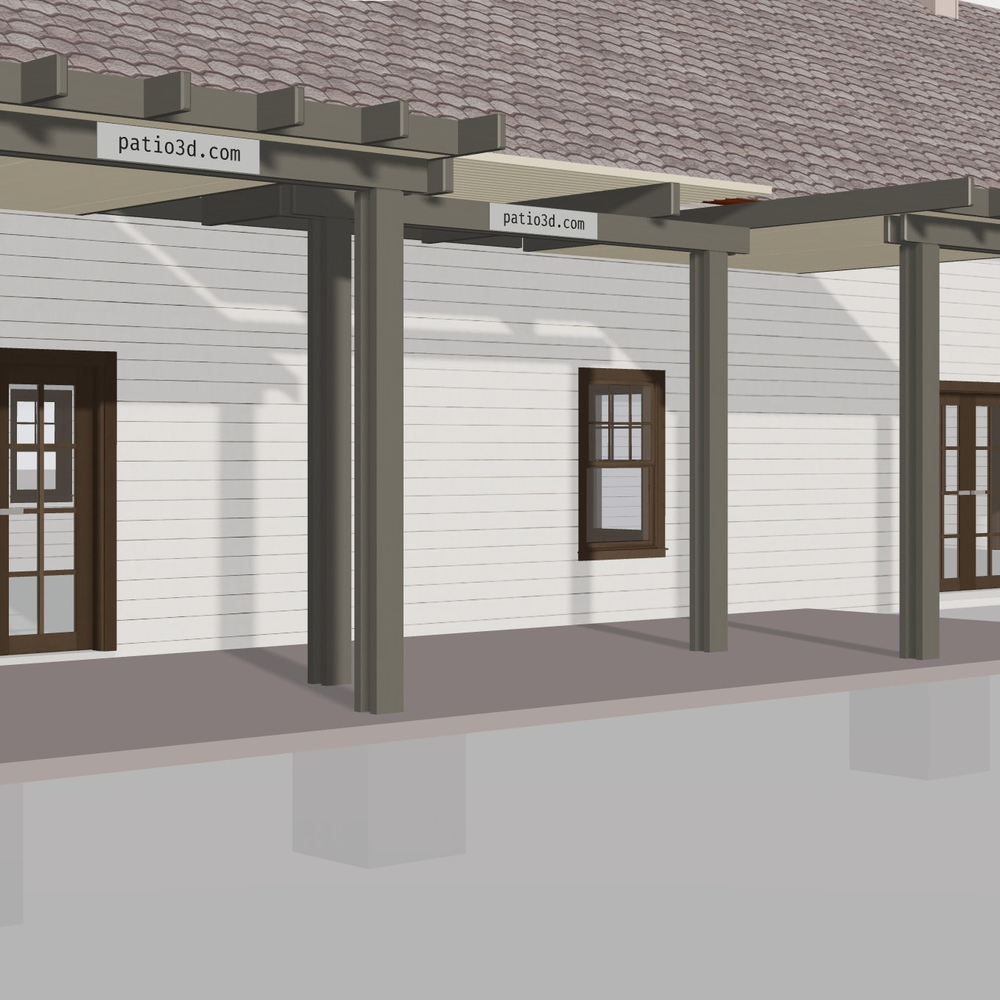
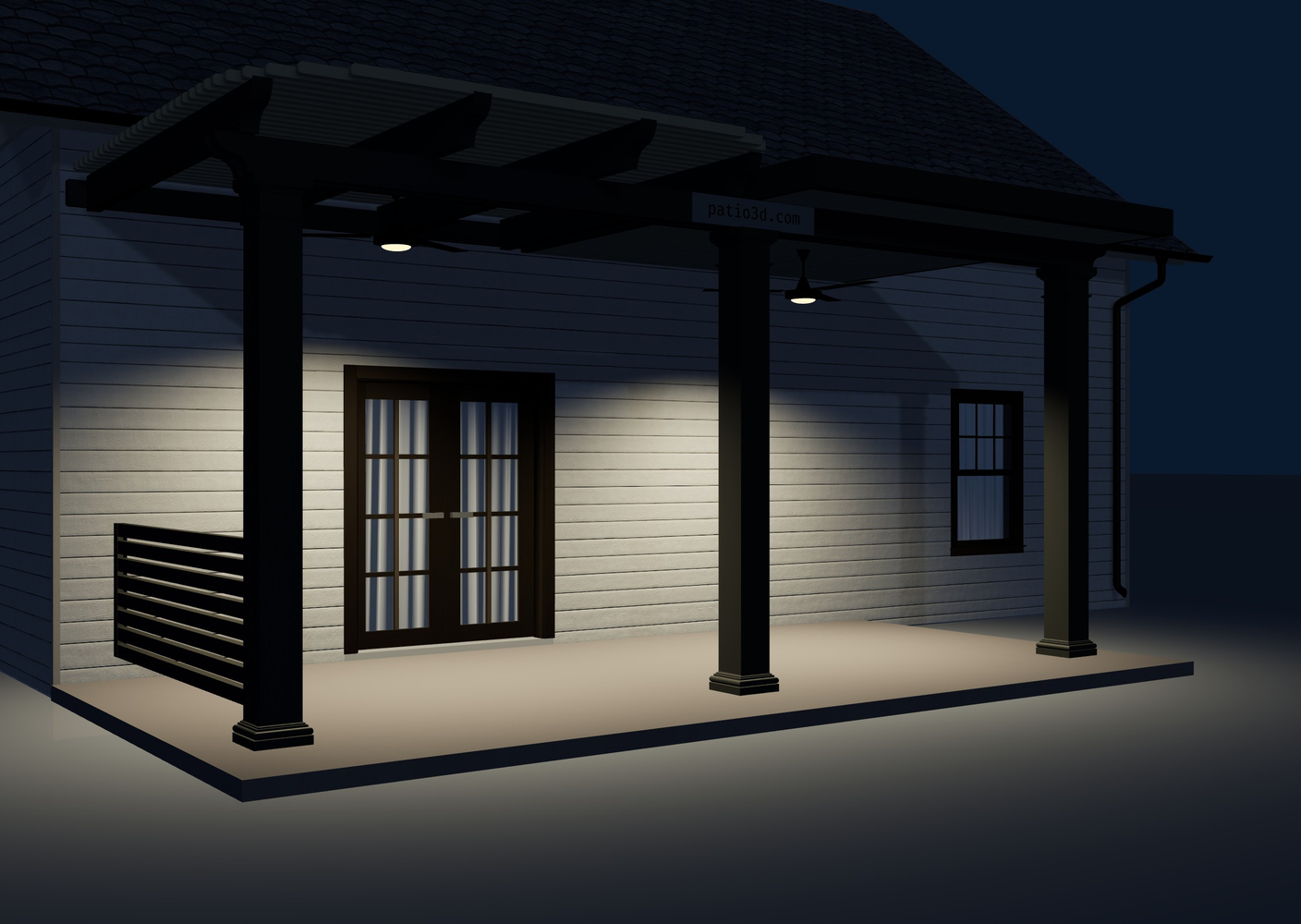
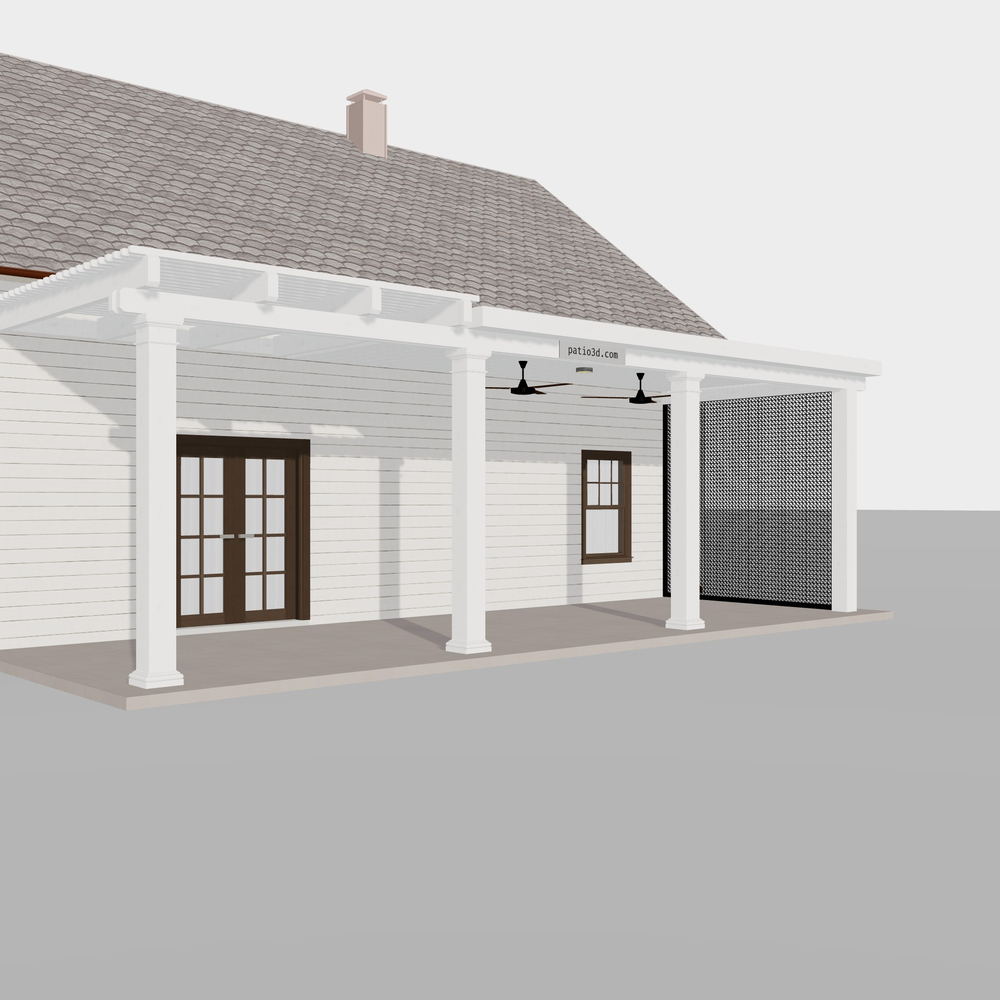
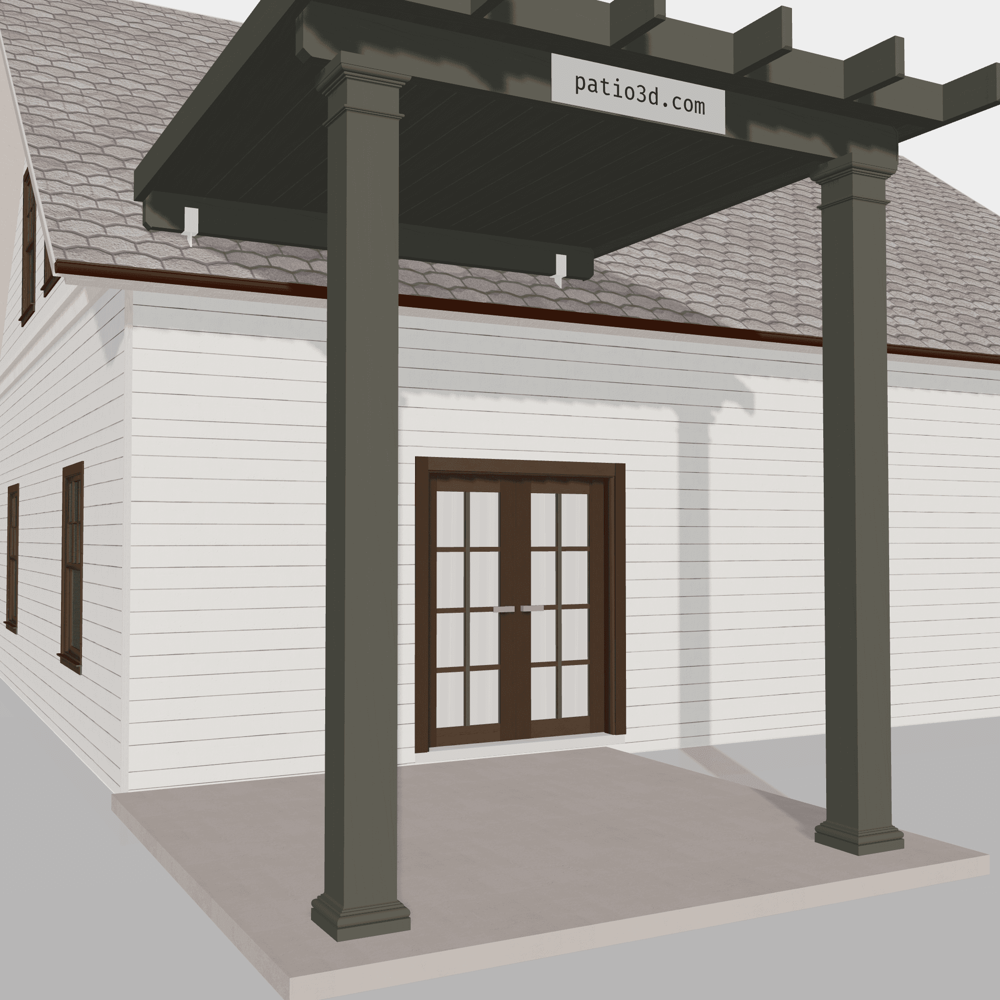
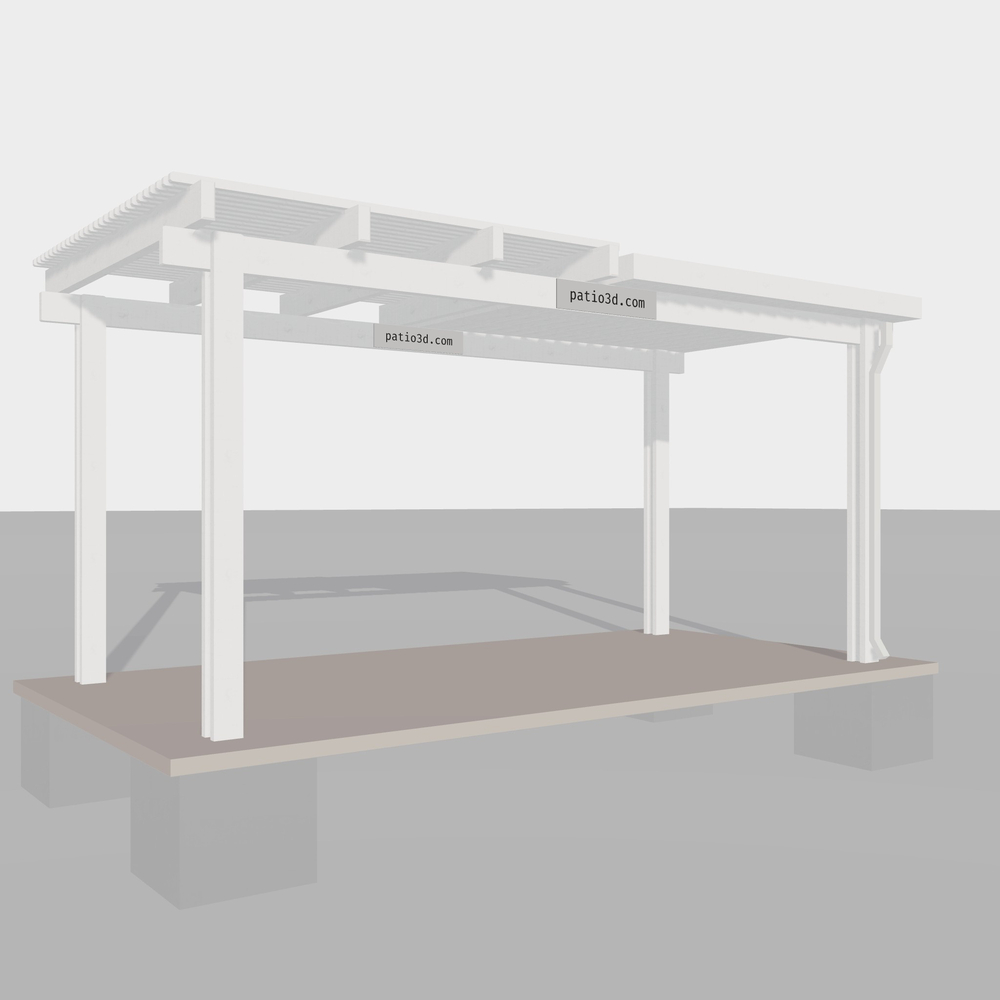
Enter the address and Patio3D automatically applies the required loads, finds the option with the lowest material cost, and updates the 3D design accordingly.
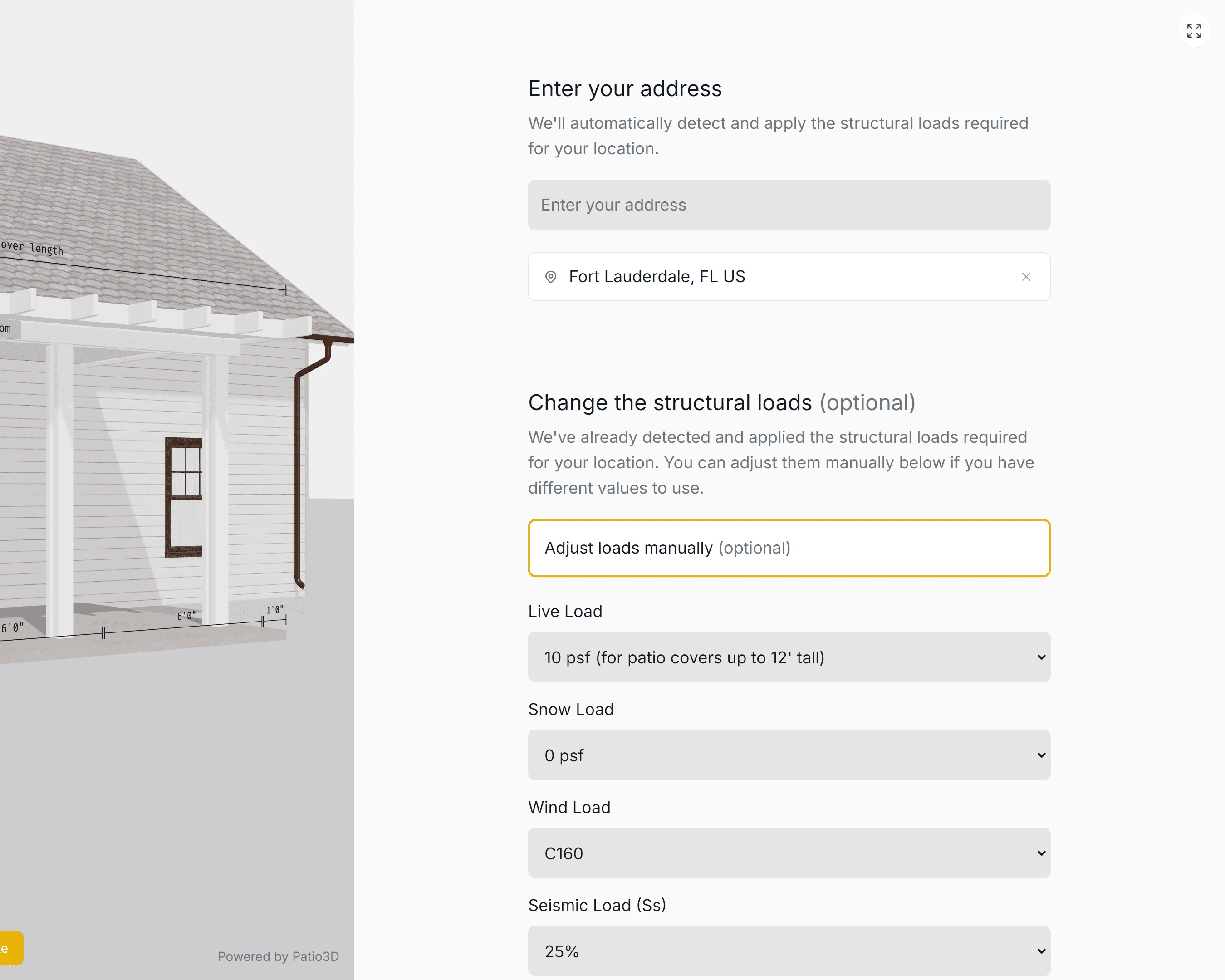
Based on ASCE 7 (the national reference standard).
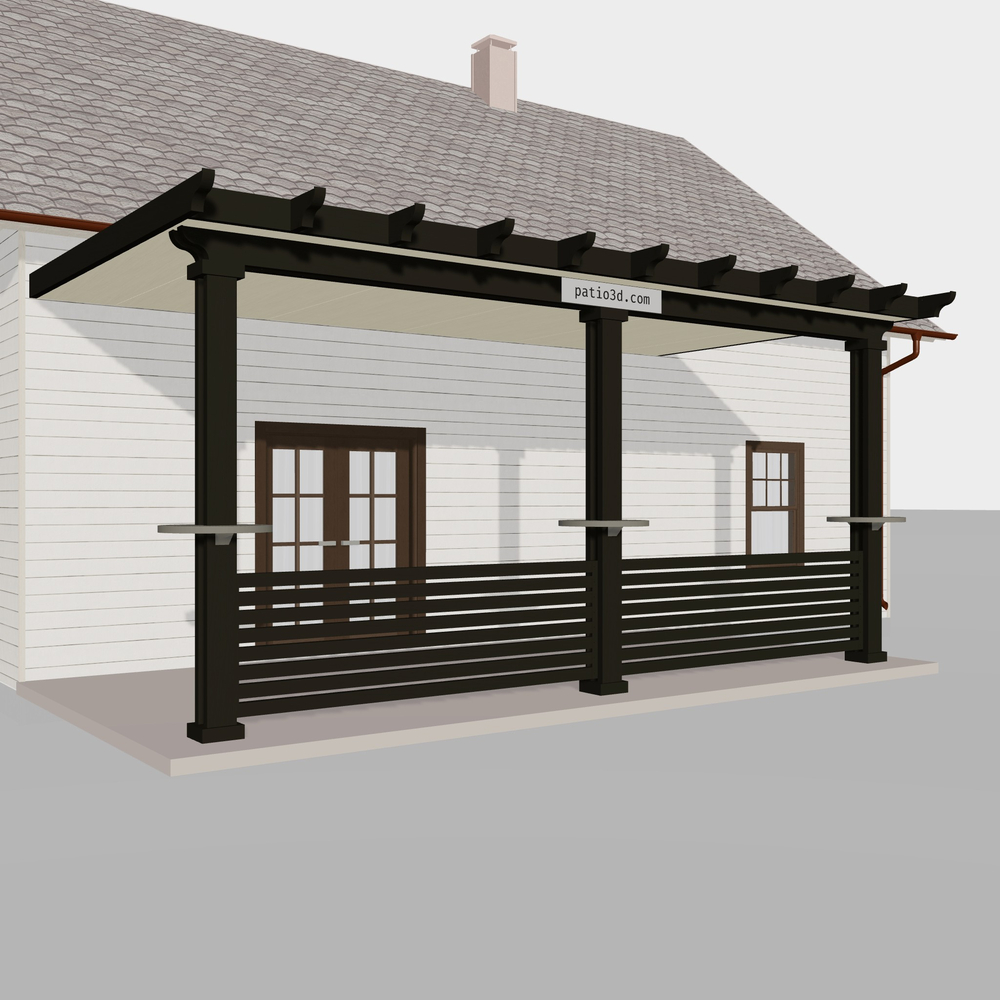
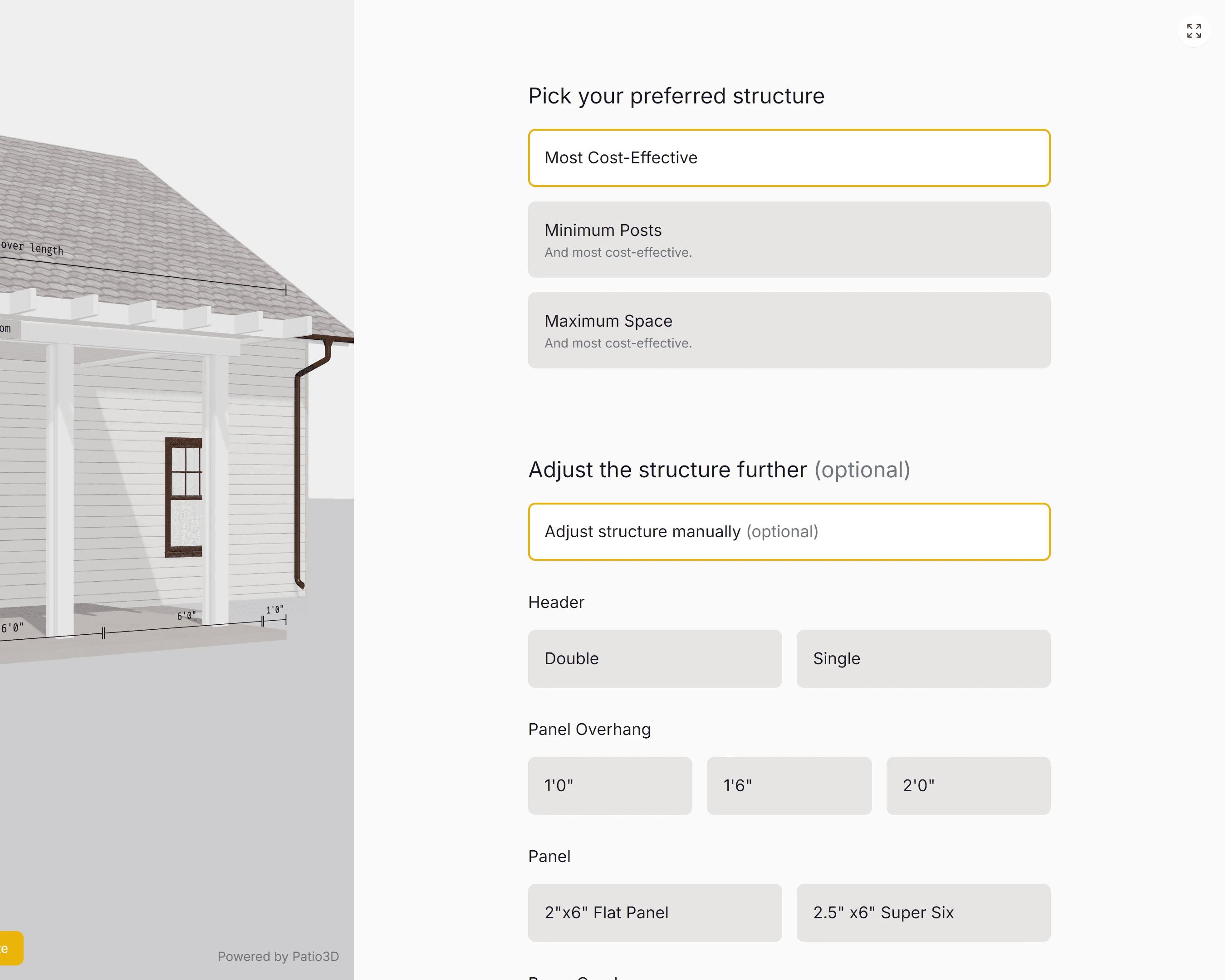
Try it hereSwitch from the option with the lowest material cost to the one with the fewest posts or the most open space in one click. Then fine-tune it by choosing the number of posts, panel type, overhangs, and more.
Design the cover with them on-site, make changes on the spot, and press the AR button at the bottom left to show it at full scale exactly where it will be built.
Copy the URL and send it their way. They can rotate the cover and explore the design in 3D.
https://app.patio3d.com/?v=v2&ab=f&abt=f&ac=f&ad=&adSc=&btc=hwht&btcn=clrwht&clb=eltwd&clv=ultr&cc=%23f8fcfb&ccn=clrwht&src=bvl&dr=dwn&addDsp=t&eq=f&eqIV=t&eqRIO=f&flt[nop][]&flt[nof][]&flt[fsz][]&flt[rsp][]&flt[rtf][]&flt[hf][]&flt[sf][]&flt[bf][]&flt[gst][]&flt[sdo][]&flt[fto][]&flt[bmf][]&flt[pnf][]&flt[rff][]&flt[engPre]=rec&flt[iop][]&flt[slComId]&hdScr=f&incScr=f&incPrv=f&scrs[tp]=insct&scrs[scrAct][lft]=f&scrs[scrAct][rght]=f&scrs[scrAct][frnt]=f&scrs[scrAct][bck]=f&scrs[tckSys]=tckSysStd&scrs[clrScrCl]=%23f7e9c2&scrs[isctScrTyp]=msqto&scrs[sdhMtr][nm]=lgtShd80&scrs[sdhMtr][dispNm]=lShd&scrs[shdClr][nm]=brwn&scrs[shdClr][hex]=%231c1618&scrs[hrcTp][nm]=clrblk&scrs[hrcTp][hex]=%230f0f0f&scrs[weigBr]=lght&scrs[crtHd][nm]=5.5%22+Hood&scrs[crtHd][mxDmns][width]=240&scrs[crtHd][mxDmns][ht]=150&scrs[crtHd][cmtbScrs][0]=insct&scrs[crtHd][cmtbScrs][1]=shd&scrs[crtHd][cmtbScrs][2]=clr&scrs[crtHd][cmtbScrs][3]=hrc&scrs[crtHd][rlSz]=4.0%22+reel&scrs[tckCl][nm]=txB&scrs[tckCl][hex]=%232A2A2A&scrs[hdCl][nm]=txW&scrs[hdCl][hex]=%23F0F0F0&scrs[weiBrCl][nm]=txB&scrs[weiBrCl][hex]=%232A2A2A&prvw[prvAct][lft]=f&prvw[prvAct][rght]=f&prvw[prvAct][frnt]=f&prvw[prvAct][bck]=f&prvw[cvg]=top&acsD[0][]&nmbFn=0&nmbLgt=0&nmbFnu=0&nmbLtu=0&fnuMdl=nFn&lgtMdl=nLgt&incF=f&incL=f&hec=bvl&hc=%23f8fcfb&hcn=clrwht&ht[ft]=9&ht[in]=0&ia=t&iaw=t&iaf=f&iar=f&rbt=rsd&ln[ft]=20&ln[in]=0&na=&pt=combined&cvrs[0][tp]=ltc&cvrs[0][ln][ft]=10&cvrs[0][ln][in]=0&cvrs[0][nmbFn]=0&cvrs[0][nmbLgt]=0&cvrs[1][tp]=sld&cvrs[1][ln][ft]=10&cvrs[1][ln][in]=0&cvrs[1][nmbFn]=0&cvrs[1][nmbLgt]=0&ffc=f&pc=%23f8fcfb&pcn=clrwht&pstTy=stn&pw=8&pj[ft]=10&pj[in]=0&rc=%23f8fcfb&rcn=clrwht&mrc&rt=sng&ssh=f&ssf=f&sh=t&so=hrz&sw=2&slh=2&sltSp=2%22&snl=0&ll=10&ews=C95&sl=50&slSds=50&gc=2021+IBC+/+2022+CBC+(ASCE+7-16)Generate permit-ready engineering references in seconds.
Sell 24/7 and stop losing serious buyers who visit your website.
Let visitors design a complete, buildable cover in 3D from start to finish. Pick up where they left off to quote and close the sale.
Every design follows real manufacturer engineering. You don’t have to tell them their dream cover needs extra posts or a costly redesign. They can stay excited about the cover they chose.
They’ve explored their options and finished a buildable design. You can price their cover and close the sale without restarting the design process.
Patio3D finds the option with the lowest material cost for their selected design, including any premium features they choose.
Use it across multiple pages. Set a different starting design for each. For example, Patio3D can open with a lattice cover on your lattice page and a solid cover on your solid cover page.
Let customers shop on their own. Turn your website into a 24/7 showroom. Let visitors explore options, customize their patio cover, and request a quote whenever they want, without waiting for a salesperson or visiting your showroom.
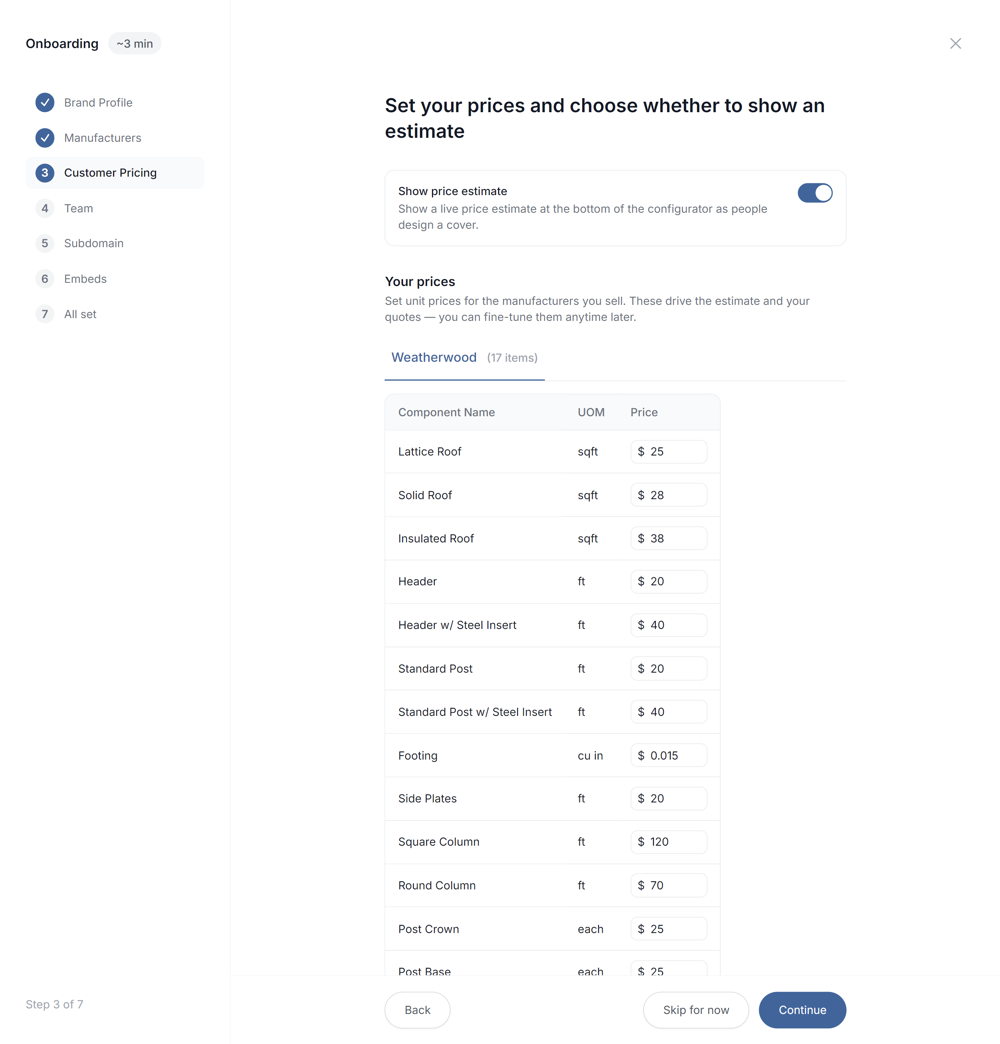
Filter out unqualified shoppers. Estimates are calculated using a simple pricing book of 17 inputs you set in your admin panel, based on each cover’s structure and design.
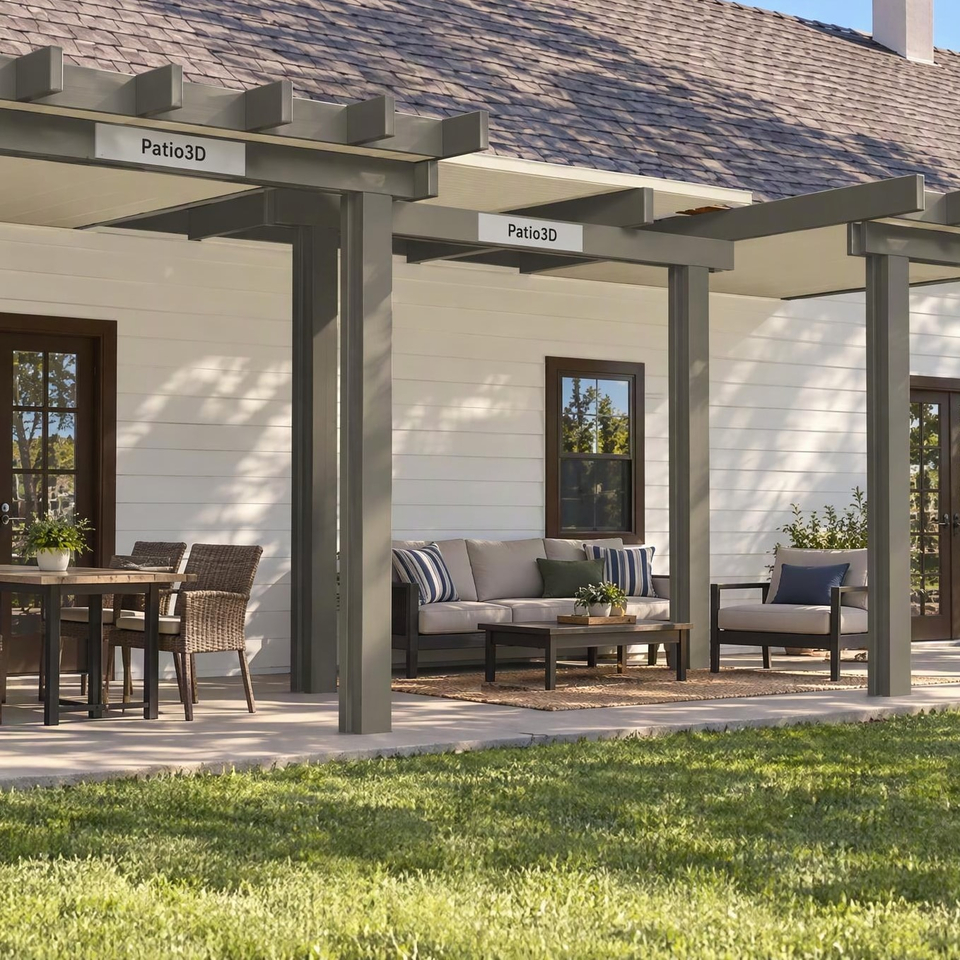
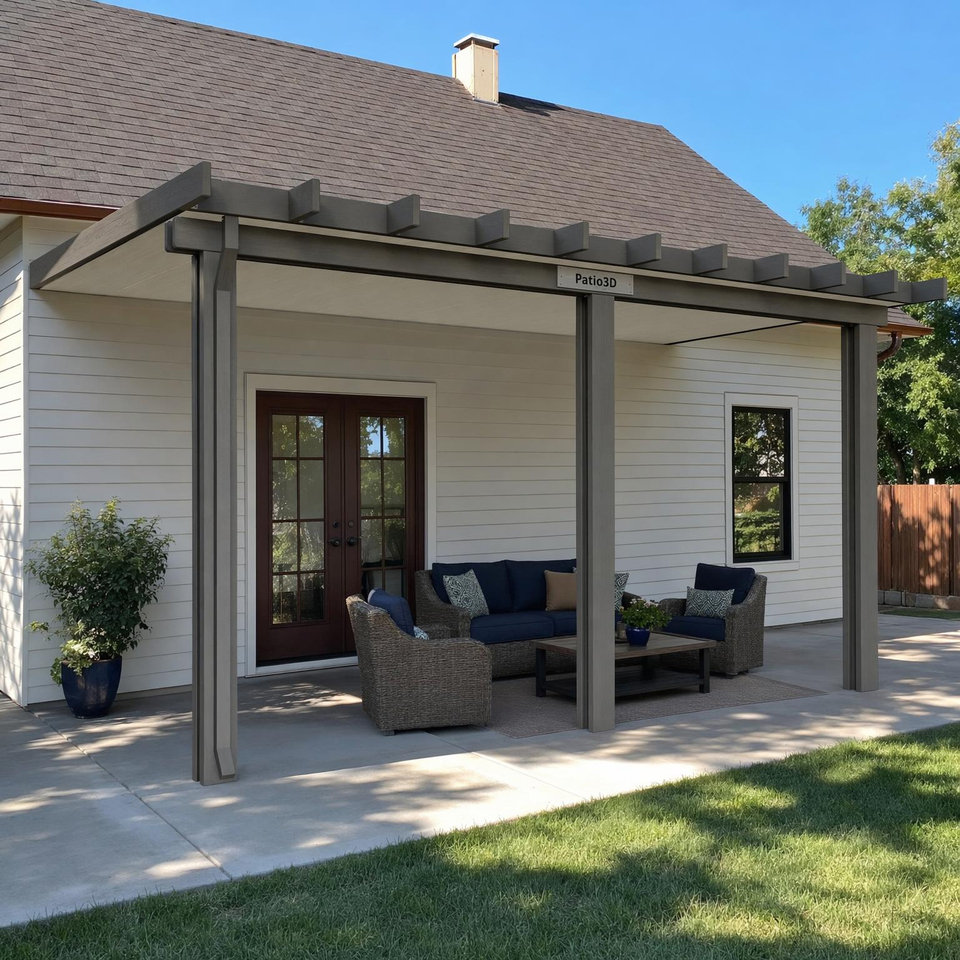
Turn the design into a realistic image with AI.
Patio3D automatically generates a realistic AI image for every quote request you receive and every quote you generate!
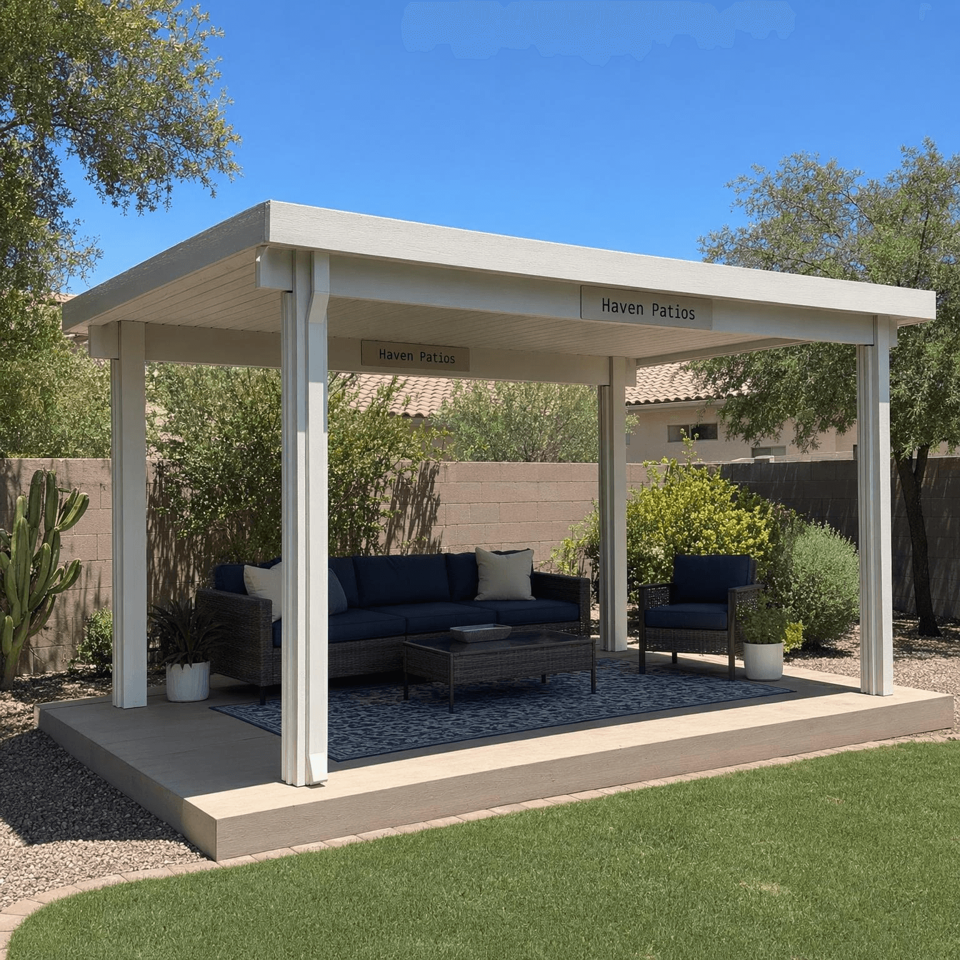
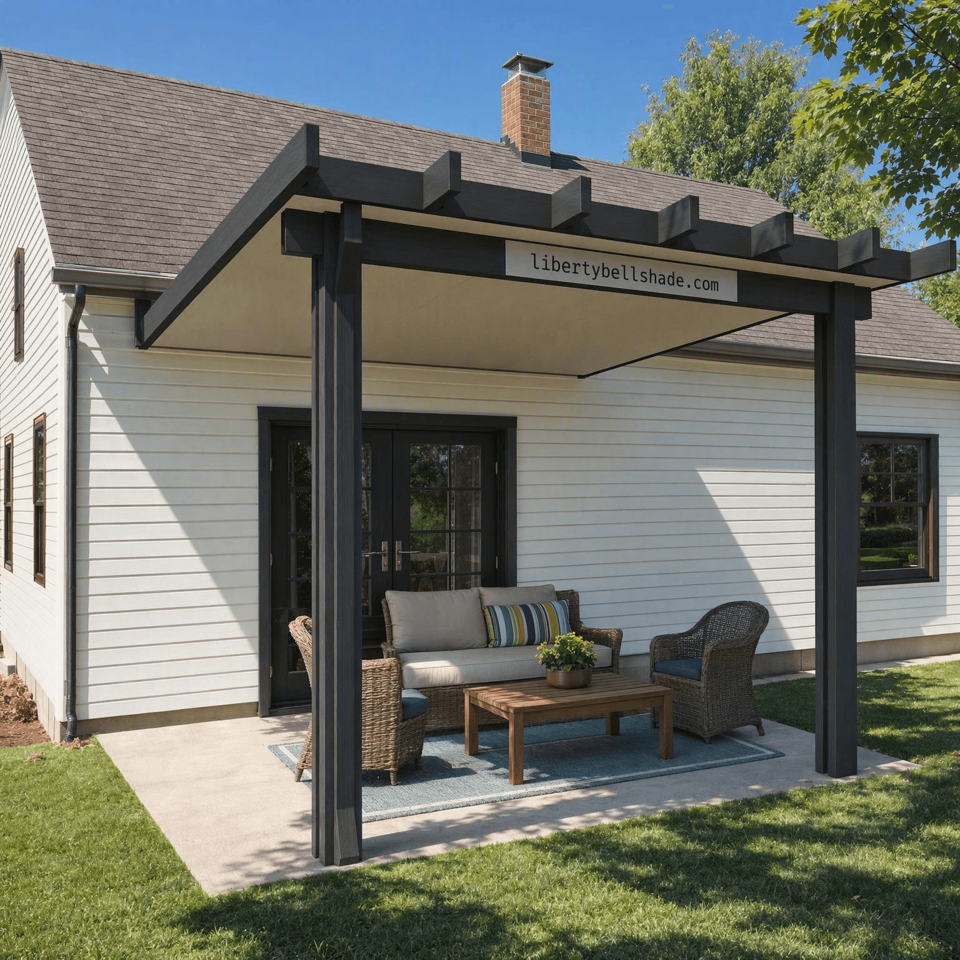
Price every job more accurately and competitively.
Generate the material cost and a complete list of materials down to the screw. Costs are based on the manufacturer’s official pricing book.
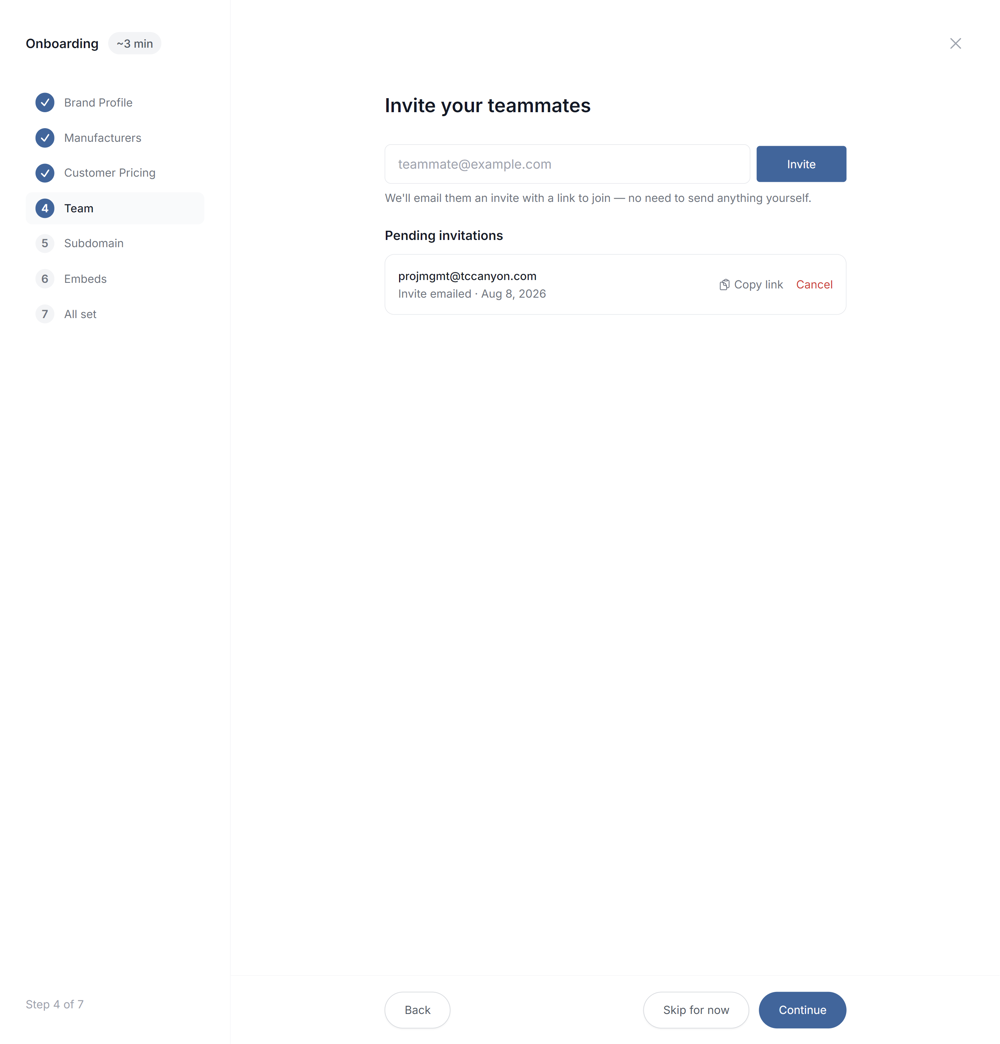
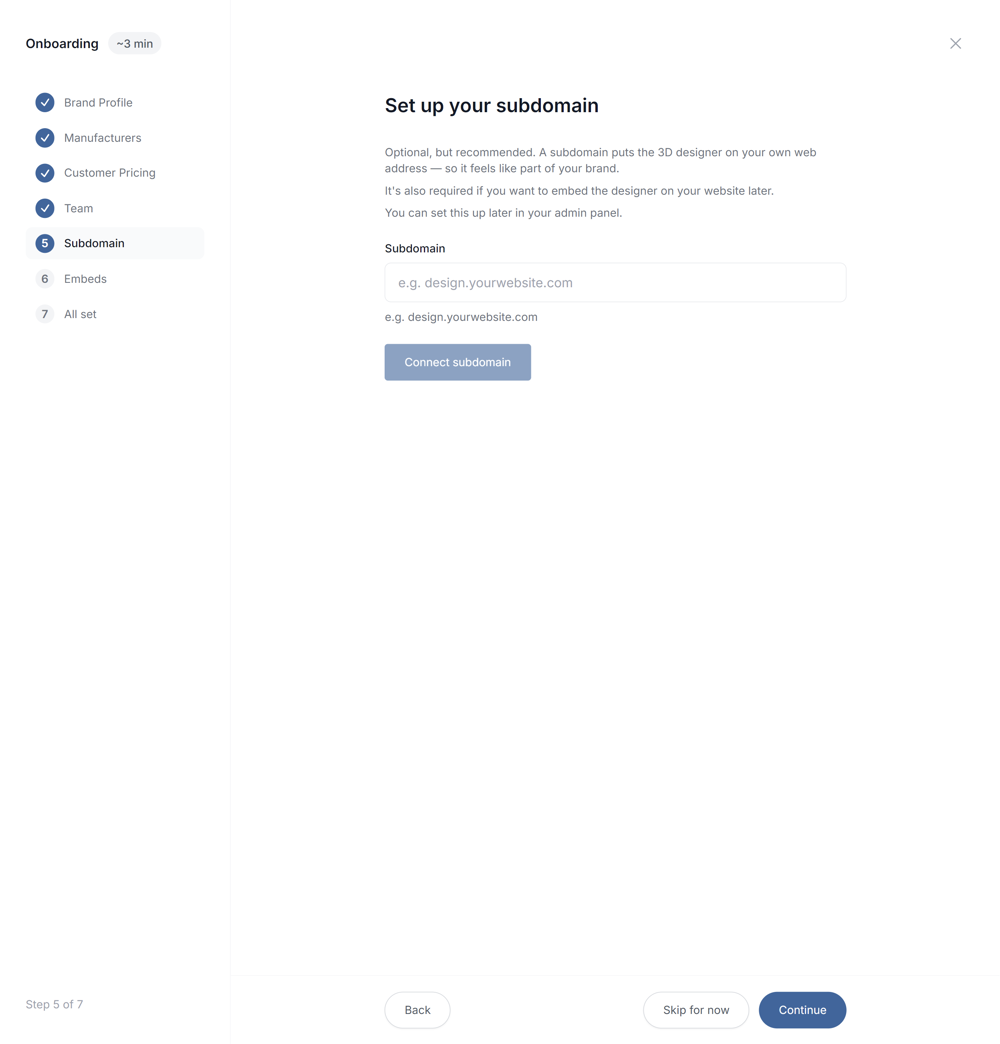
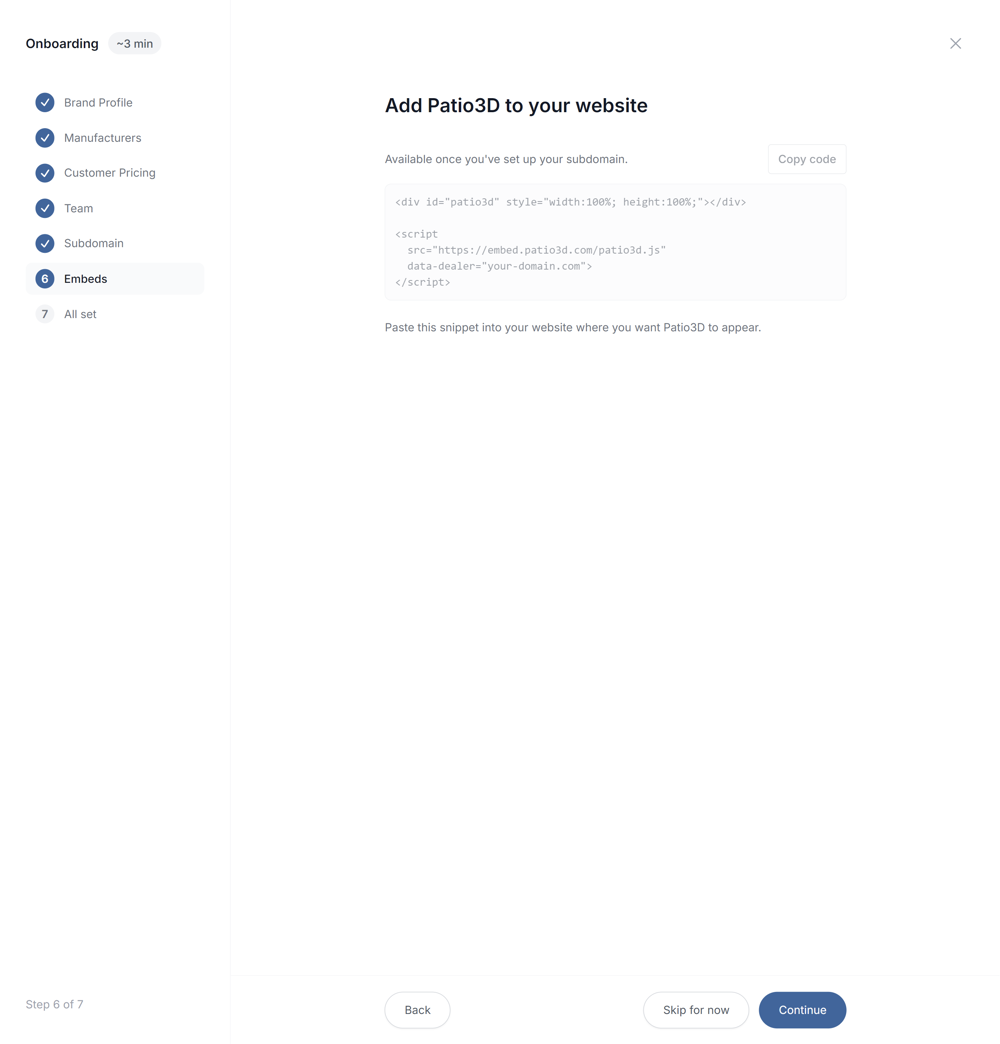
Get set up in 8 quick steps.
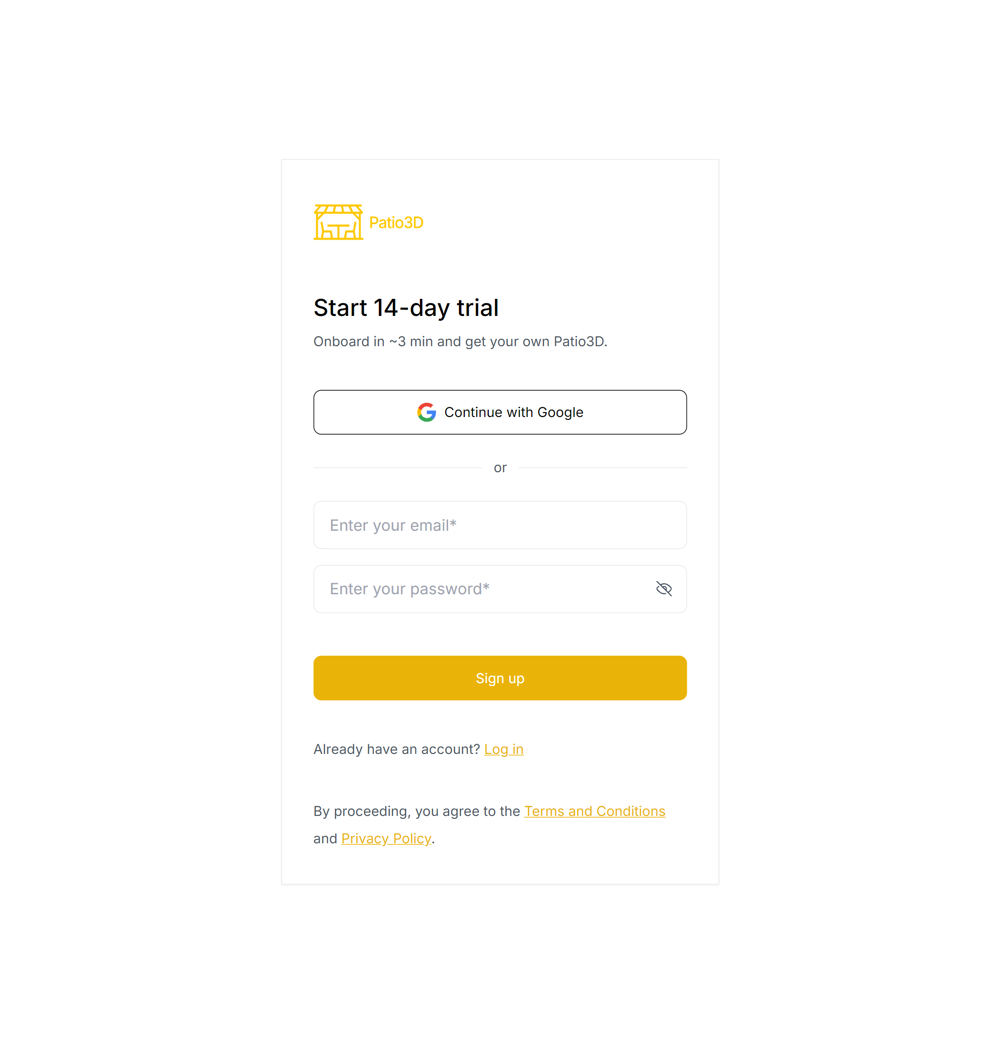
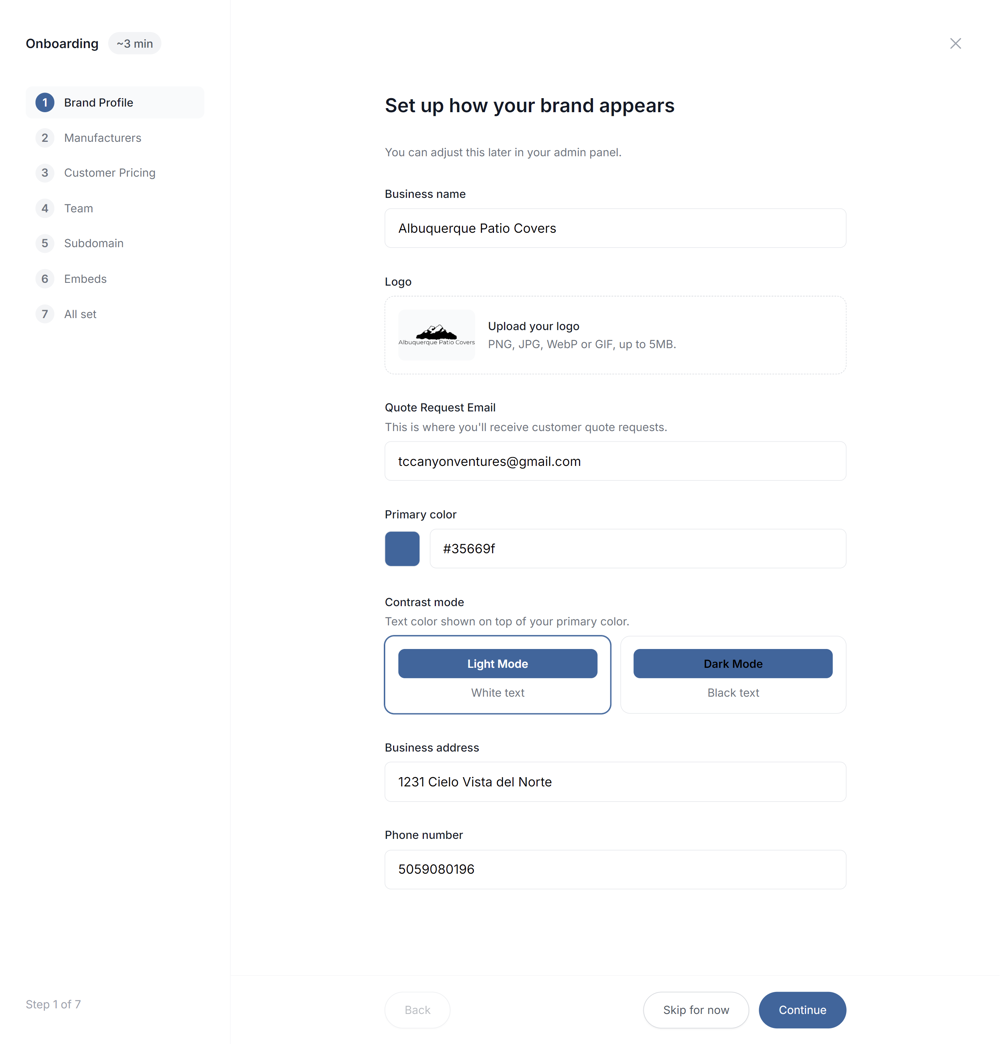
Choose your plan.
Add capacity as you grow.
Billed monthly. No setup fees.
Swipe to compare all three plans.
Compare plans Billed monthly. | Sales PlatformDesign patio covers in seconds and explore buildable options in 3D with your customers on the spot. $200 / month Billed monthly
| Sales + Website DesignerCustomers can design their cover on your website from start to finish, ready for you to close. $400 / month Billed monthly
| EnterpriseMore users, more customers, your volume. Let’s talk Custom plan
|
|---|---|---|---|
| Concurrent usersUnlimited team accounts. Choose how many people can work at once. | +$200per extra concurrent user / month | +$200per extra concurrent user / month | Volume pricing |
| Website quote requestsThey’ve explored their options and chosen a buildable cover. You’re ready to quote and close. | Not included | +$200per 50 extra quote requests / month | Volume pricing |
| Get started | Start 14-day trial | Start 14-day trial | Contact us |
| Design, share & work together | |||
| 3D renders & AR with your watermark | Unlimited | Unlimited | Unlimited |
| Address-based wind, snow & seismic loads | Unlimited | Unlimited | Unlimited |
| Permit-ready engineering references | Unlimited | Unlimited | Unlimited |
| Your logo & brand colors | Included | Included | Included |
| Custom domain | Included | Included | Included |
| Desktop, tablet & mobile access | Included | Included | Included |
| Shareable 3D links & quote PDFs | Included | Included | Included |
| Cloud storage for designs & images | Unlimited | Unlimited | Unlimited |
| Shared workspace & team syncEveryone sees the latest customer details, designs, and images. | Included | Included | Included |
| Support response time | 1 working day | 1 working day | 1 working day |
| Extra usage credits | |||
| AI image credits1 credit = 1 AI image generation. | +$50per 50 extra credits | +$50per 50 extra credits | Volume pricing |
| Material cost & material list credits1 credit generates the material cost and a complete list of materials. | +$50per 50 extra credits | +$50per 50 extra credits | Volume pricing |
Extra credit packs cost the same with monthly or annual billing. Prices are in USD.
Every plan includes ongoing updates. See what’s new
What makes Patio3D different.
Complete, engineered designs that leave you ready to quote and close.
Swipe to compare all four options.
| Patio3D benefits | Patio3D | Forms & manual selling | Generic 3D visualizers | SketchUp |
|---|---|---|---|---|
Design a complete cover in seconds and on the spot with the customer Start from scratch or change the whole cover. Patio3D includes AR and budget matching. | Included as described | Not standard or varies by tool | Included as described | Not standard or varies by tool |
Share the design Send an interactive 3D link. | Included as described | Not standard or varies by tool | Included as described | Included as described |
Advanced custom designs Custom shapes, multi-span covers and add-ons. | Included as described | Not standard or varies by tool | Not standard or varies by tool | Included as described |
Built-in engineering Every change keeps your design buildable. Permit-ready references for Alumawood, Duralum, Four Seasons and United Duralume. | Included as described | Not standard or varies by tool | Not standard or varies by tool | Not standard or varies by tool |
Customers finish a buildable design online. You just quote and close. Thanks to built-in engineering and advanced design options. | Included as described | Not standard or varies by tool | Not standard or varies by tool | Not standard or varies by tool |
Continue the sale without starting over Engineering is already checked, avoiding the redesigns that send the sale back to the start. | Included as described | Not standard or varies by tool | Not standard or varies by tool | Not standard or varies by tool |
Builds every design the cheapest way You pick the options. Patio3D engineers every way to build it and picks the one with the lowest material cost. You can still fine-tune it any way you want. | Included as described | Not standard or varies by tool | Not standard or varies by tool | Not standard or varies by tool |
Price to win Material cost and a complete material list, generated for any design. | Included as described | Not standard or varies by tool | Not standard or varies by tool | Not standard or varies by tool |
✓ Built in as described · — Not standard or varies by tool.
Every plan includes unlimited team member accounts. Both standard plans include one concurrent user, meaning one person can use Patio3D at a time. Each additional concurrent user costs $200 per month with monthly billing; annual billing applies the discount shown above. Website visitors don’t use your team’s concurrent-user allowance.
You receive a complete, engineered patio design, the customer’s contact details, project address, and their request for a quote. The design follows manufacturer engineering and uses the lowest-material-cost option for their choices. Browsing and designs that haven’t been submitted don’t use your allowance. Sales + Website Designer includes 50 quote requests per month; each additional block of 50 costs $200 per month with monthly billing. Annual billing applies the discount shown above. Unused monthly allowance doesn’t roll over.
Annual plans are paid upfront for the year and cost 40% less than 12 monthly payments. The discount applies to your plan and recurring add-ons. Website quote request allowances still reset each month, with no rollover. Both standard plans also include 50 AI image credits and 50 material cost & material list credits each month. Extra credits cost the same with either billing period.
Both standard plans include 50 AI image credits and 50 material cost & material list credits each month, shared across your team. One AI image credit generates one image. One material cost & material list credit generates the material cost and a complete list of materials. Need more? Each extra pack costs $50 for 50 credits of either type, with the same prices on monthly and annual plans.
Spam, duplicate requests and submissions outside the service area don't count. Patio3D automatically blocks spam. If anything slips through, you can report it with one click and restore the allowance. A submission only counts if:
You can cancel your subscription renewal at any time. Monthly plans are paid monthly, and annual plans are paid upfront for the year.
No, there aren’t any setup or hidden fees.
Our team responds to all support requests within one working day.
Do you have any other questions? Reach Out.
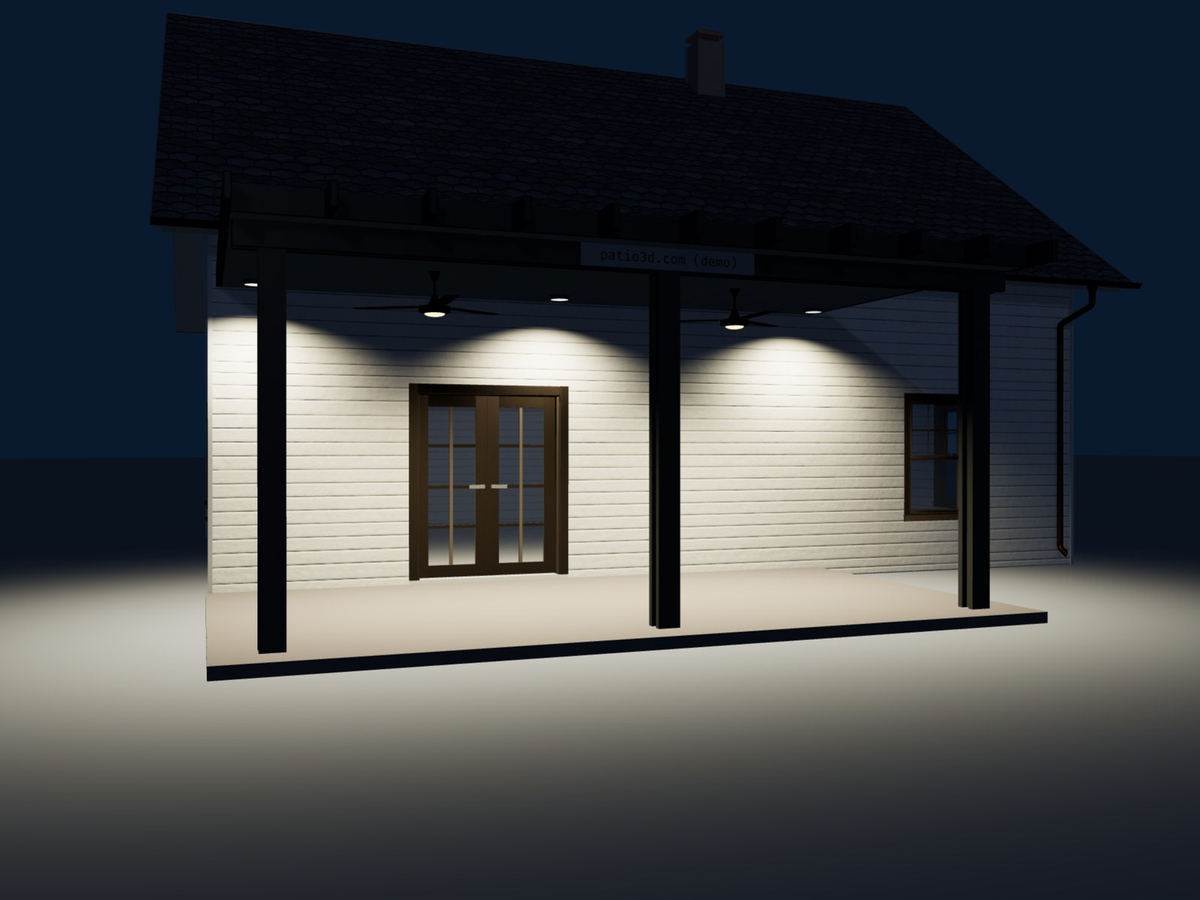
Design L- and U-shaped covers, see them lit up at night, and place fans and lights exactly where you want them.
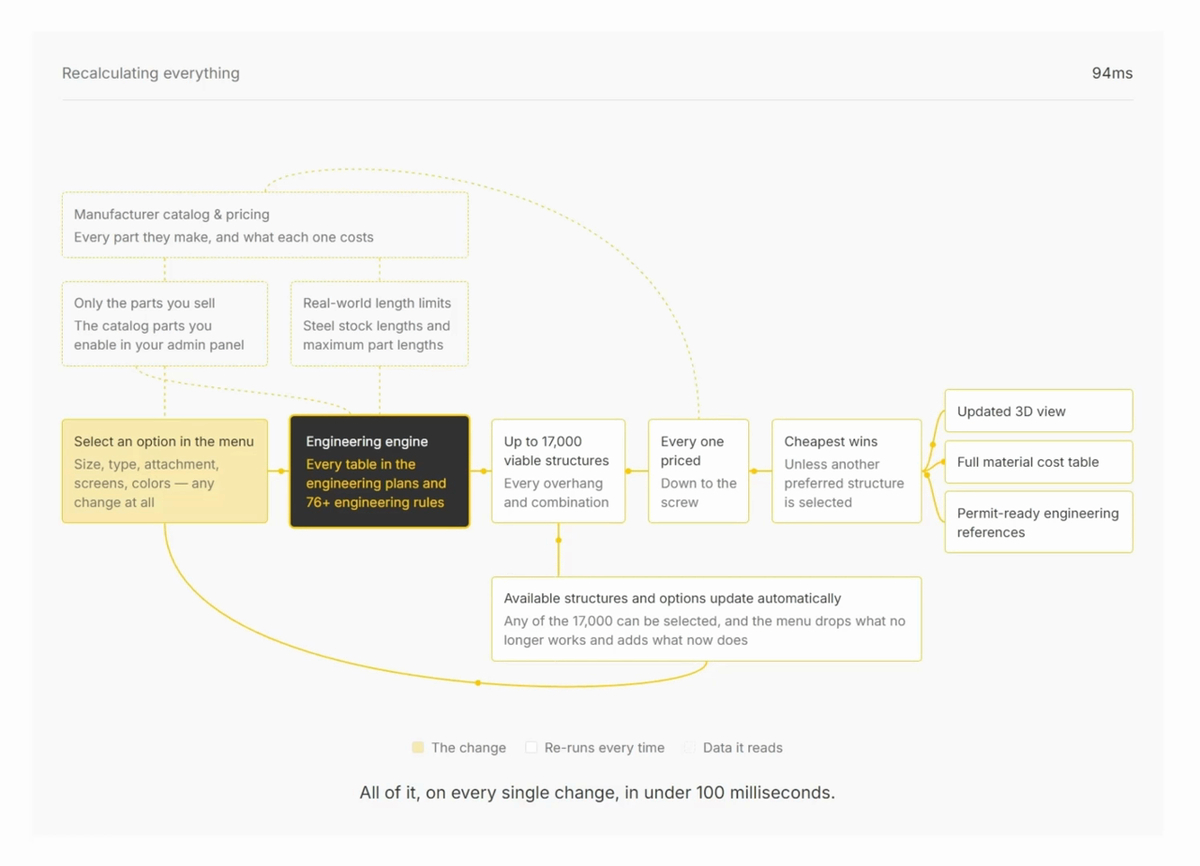
76+ engineering rules. 95 parts and components. Up to 17,000 viable structures and their material costs, calculated in under 100 milliseconds.
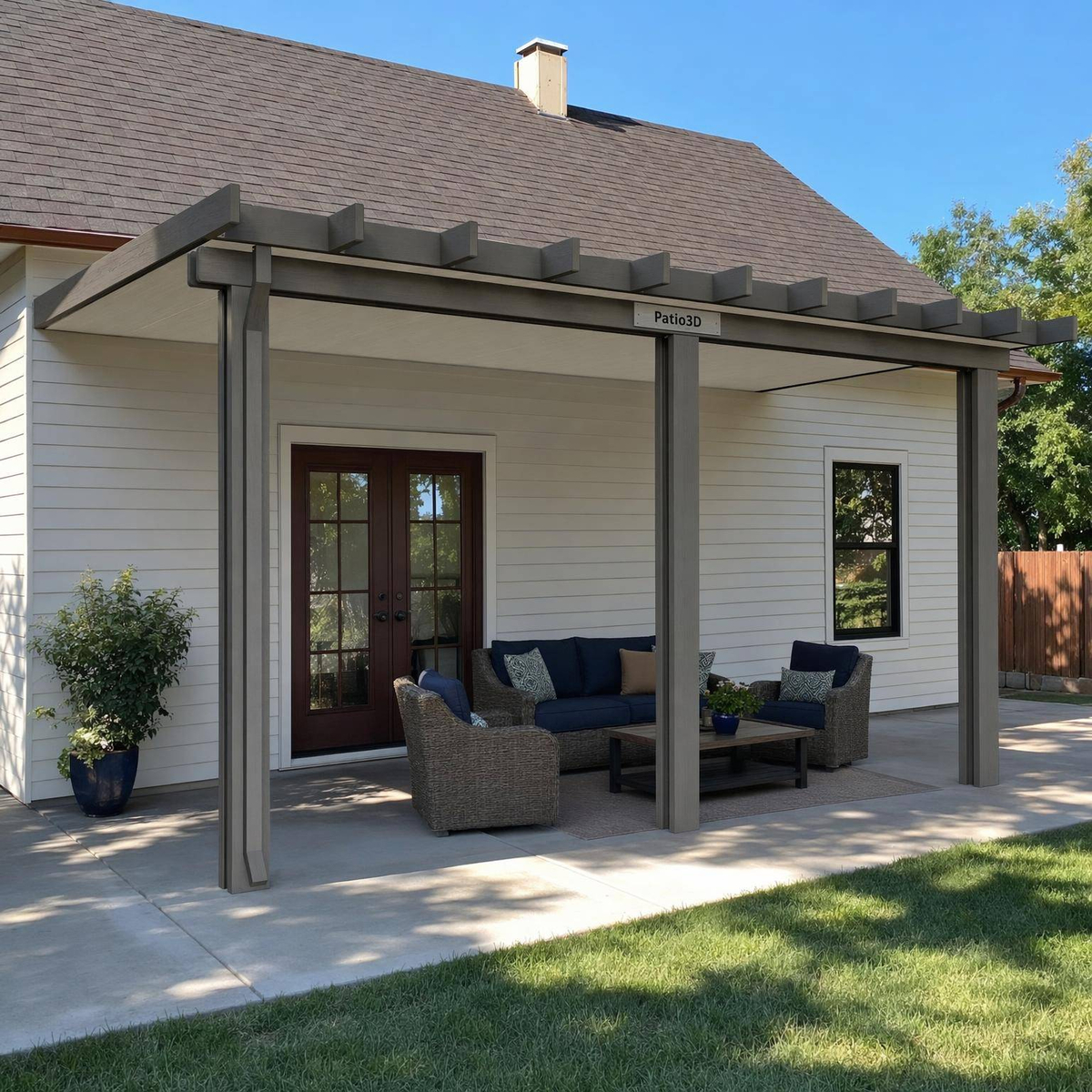
Patio3D now automatically generates a realistic AI image for every quote request you receive and every quote you generate.
We use cookies
To understand usage, improve the site, and power analytics. Read the Privacy Policy for details.